EntryLowest checked price
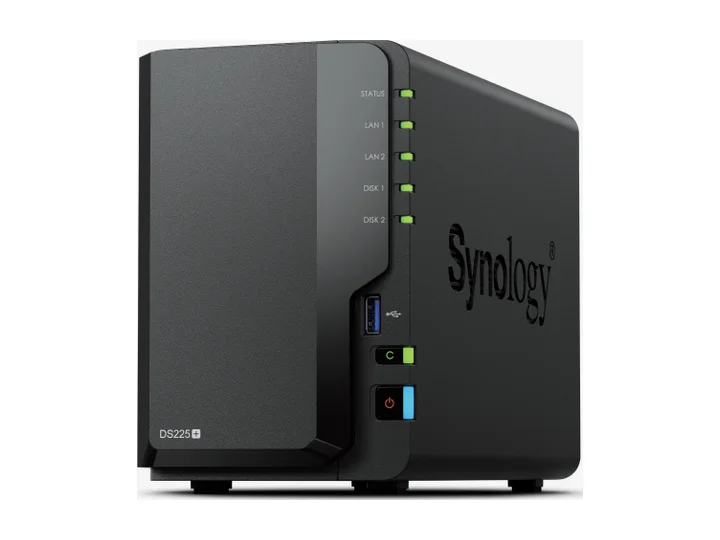
DS225+ + 2 × 4TB
4TB approximate usable · SHR / RAID 1-style single-drive redundancy
$744.97$186.24/usable TB
Our entry pick prioritizes Synology Photos and phone backup over a more powerful but less cohesive application stack.
Watch: Keep originals on a second disk or cloud target before trusting automated photo organization.
MidrangeLowest checked price
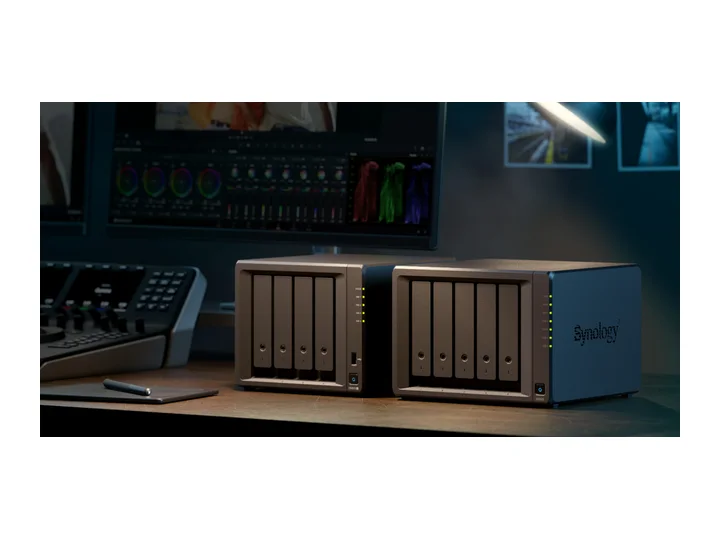
DS925+ + 3 × 12TB
24TB approximate usable · SHR / RAID 5-style single-drive redundancy
$2,329.96$97.08/usable TB
About 24TB usable, one open bay, ECC memory, and the strongest integrated photo experience form a balanced creator archive.
Watch: Synology Photos is not Lightroom; preserve catalogs, sidecars, exports, and ordinary folder organization.
High-endLowest checked price
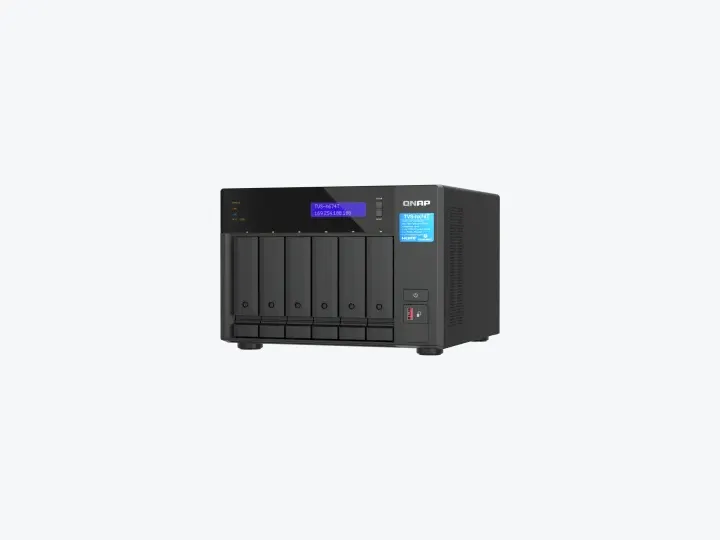
TVS-h674T-i5-32G + 6 × 16TB
64TB approximate usable · QuTS hero RAID-Z2 / RAID 6-style dual-drive redundancy
$6,659.93$104.06/usable TB
A 64TB dual-parity QuTS hero pool and Thunderbolt/PCIe options fit multi-editor photo and video work when throughput is the actual requirement.
Watch: Budget separately for fast client storage, 10GbE switching or adapters, NVMe tiers, off-site backup, and noise isolation.