Quick Build & Economics Summary
| Component / Spec | Exact Model / Selection | Key Metric / Economics |
|---|---|---|
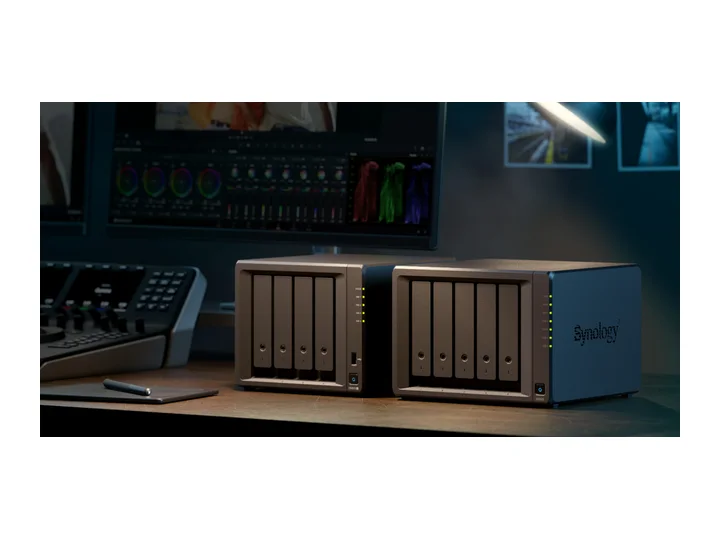
| Recommended NAS | DS925+ (4 Bays · 2 × 2.5GbE) | AMD Ryzen V1500B · 4-core · 4GB RAM |
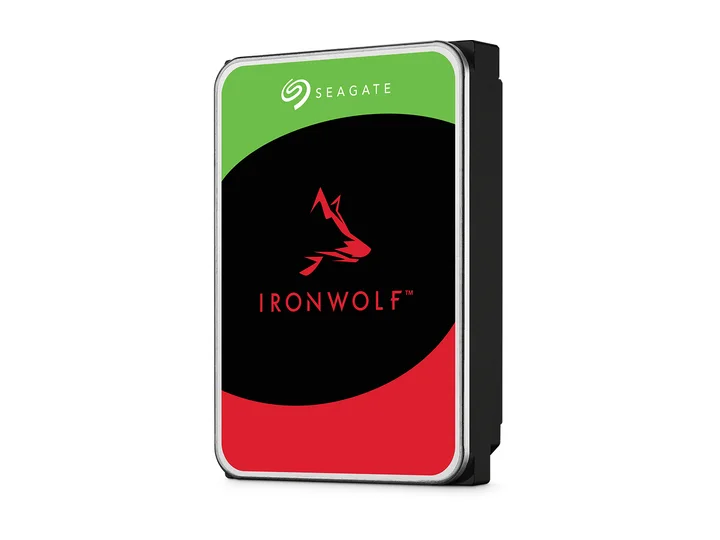
| Selected Hard Drives | 4 × 12TB (ST12000VN0008) | CMR CMR · 7,200 rpm |
| Planning Capacity | 24TB usable | The four-drive pool can continue after two drives fail; team data still needs snapshots, off-site backup, and restore tests. |
| Price estimate — recheck required | DS925+ + 4 × ST12000VN0008: $2,229.95 estimated total | $92.91 / usable TB |
Who this build is for
- Small teams with shared files plus Windows/Mac endpoint backup
- Datasets that need roughly 10-18TB now with multi-year growth
- Organizations prepared to run off-site backup and restore drills
Why this NAS and tier win
DS925+ supplies the right office ingredients even though its processor is not class-leading: four bays, ECC, dual 2.5GbE, Btrfs, and the DSM backup/permissions stack. Independent reviews praise software and criticize value, which is exactly the trade-off a small office must see. [1][2][3]
The original drive lockout damaged trust. DSM 7.3 restored third-party SATA pool creation, but this article keeps exact compatibility and support terms as a purchase-time gate rather than declaring the controversy irrelevant. [4][5][6]
Why these exact drives
Four exact 12TB CMR IronWolf drives with two-drive overhead provide about 24TB usable. Dual parity is selected because office continuity and long rebuild exposure matter more than maximizing all 36TB of single-parity capacity. [7]
Four 7200rpm disks require acoustic and thermal planning. Place the NAS away from staff desks while preserving ventilation. [8]
Capacity and protection plan
4 equal 12TB drives with 2 drive-equivalents reserved for redundancy produce an editorial planning estimate of 24TB decimal usable before formatting, filesystem metadata, snapshots, applications, and free-space reserve.
The four-drive pool can continue after two drives fail; team data still needs snapshots, off-site backup, and restore tests. Reconfirm the RAID/SHR/RAIDZ behavior for the exact operating system and chosen disk layout before initialization.
What YouTube and community evidence change
Small-business discussions repeatedly prioritize simple administration, separate accounts, snapshots, off-site backup, and restore testing. Raw CPU specifications rarely solve the operational failures those threads describe. [9]
The DS925+ review audience remains skeptical of value and policy. That dissent is useful: choose this system for DSM operations, not because Synology wins every hardware comparison. [6][3]
Trade-offs before buying
Recommended setup sequence
- 1Map users, groups, shares, retention, and recovery owners before migration.
- 2Use dual parity and record the exact drive-policy evidence at purchase.
- 3Deploy endpoint backup and snapshots with separate retention rules.
- 4Replicate encrypted backups to another site or cloud provider.
- 5Test file, folder, endpoint, and full-NAS recovery on a schedule.
Alternatives worth considering
Frequently asked questions
Why is SHR-2 / RAID 6 dual parity critical for small business storage?
Mechanical hard drives under continuous office workloads face higher stress during array rebuilds. Dual parity allows a second hard drive to fail without taking down company operations or losing files.
Can the DS925+ back up Microsoft 365 or Google Workspace accounts?
Yes. Synology Active Backup for Microsoft 365 / Google Workspace is included with DSM at zero extra license cost, allowing local automated backups of company emails, OneDrive, SharePoint, and Google Drive.
Does ECC RAM make a measurable difference for business data?
Yes. Error-Correcting Code (ECC) memory detects and corrects single-bit memory errors in real time, preventing silent data corruption during Btrfs filesystem operations and critical database writes.
How do dual 2.5GbE network ports benefit an office team?
Two ports can help spread traffic across users or support failover when configured appropriately. Link aggregation and SMB Multichannel are different features with different client and switch requirements. Neither automatically makes every transfer run at 5Gbps; confirm support and test the actual workload.
Sources and evidence boundary
This article synthesizes official product facts, independent reviews, YouTube material, and community discussion. YouTube view/like/comment counts are a dated engagement signal, not a quality score. Community posts are anecdotal and cannot establish failure rates. Reviewers may use affiliate links; one publisher’s article and companion video count as one editorial viewpoint.
Synology · accessed Aug 31, 2026. Four bays, Ryzen V1500B, ECC memory, dual 2.5GbE and expansion support.
Synology · accessed Aug 31, 2026. Centralized endpoint and workload backup capabilities relevant to small teams.
Android Central · Apr 23, 2025 · accessed Aug 31, 2026. Finds class-leading software and reliable direct-play media service, but no hardware transcoding and poor hardware value; original drive-policy criticism predates DSM 7.3.
Synology Knowledge Center · accessed Aug 31, 2026. DSM 7.3 policy context for third-party SATA drives; exact MPN compatibility still requires purchase-time checking.
Tom's Hardware · Oct 9, 2025 · accessed Aug 31, 2026. Documents restored third-party 3.5-inch HDD and 2.5-inch SATA SSD use while M.2 pool rules remain tighter.
NASCompares · May 2, 2025 · accessed Aug 31, 2026. Detailed model review; shares an editorial publisher with NASCompares articles and is not counted as an independent second vote.
Engagement at capture: 54,207 views; 1,293 likes; 459 comments at capture.
Seagate · accessed Aug 31, 2026. NAS-oriented CMR family; exact 4TB and 12TB MPN facts are stored in the ChooseCompute catalog.
SomeTechGuy · Jun 14, 2025 · accessed Aug 31, 2026. Measured 4TB performance, noise and power comparison across the four NAS HDD families; affiliate links are disclosed.
Engagement at capture: 54,339 views; 1,522 likes; 166 comments at capture.
Reddit r/synology · accessed Aug 31, 2026. Community discussion emphasizes simple administration, permissions, off-site copies and restore planning over raw hardware.