EntryLowest checked price
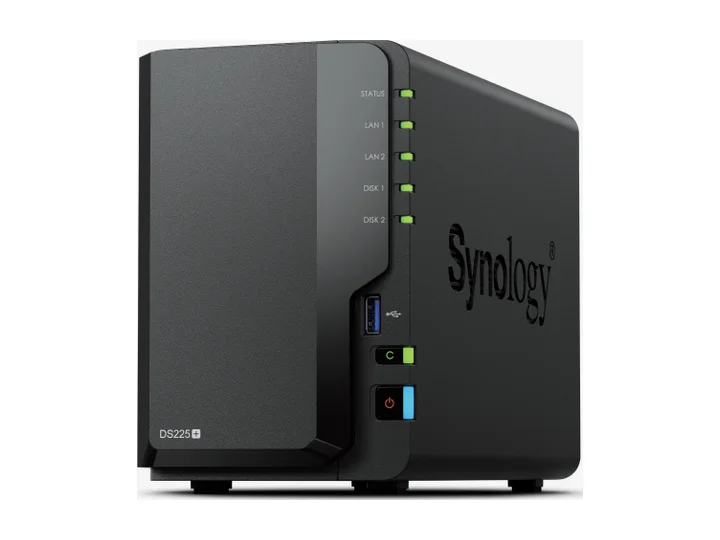
DS225+ + 2 × 4TB
4TB approximate usable · SHR / RAID 1-style single-drive redundancy
$744.97$186.24/usable TB
The two-bay DSM build is the lowest tier that still offers coherent users, permissions, snapshots, and endpoint backup for a small office.
Watch: Keep an encrypted off-site copy and document who owns updates, alerts, and restore tests.
MidrangeLowest checked price
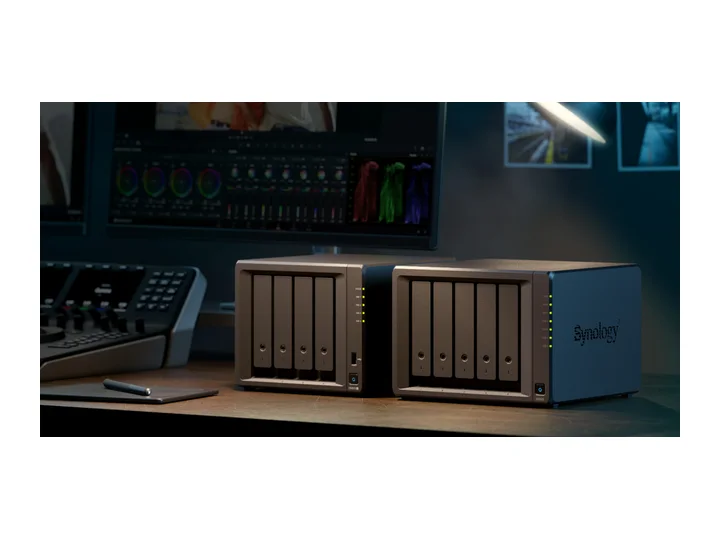
DS925+ + 4 × 12TB
24TB approximate usable · SHR-2 / RAID 6-style dual-drive redundancy
$2,229.95$92.91/usable TB
The best-balanced office choice combines DSM administration with 24TB dual-parity capacity and four exact CMR NAS drives.
Watch: Dual 2.5GbE helps concurrency or failover; it does not give one client 5GbE automatically.
High-endLowest checked price
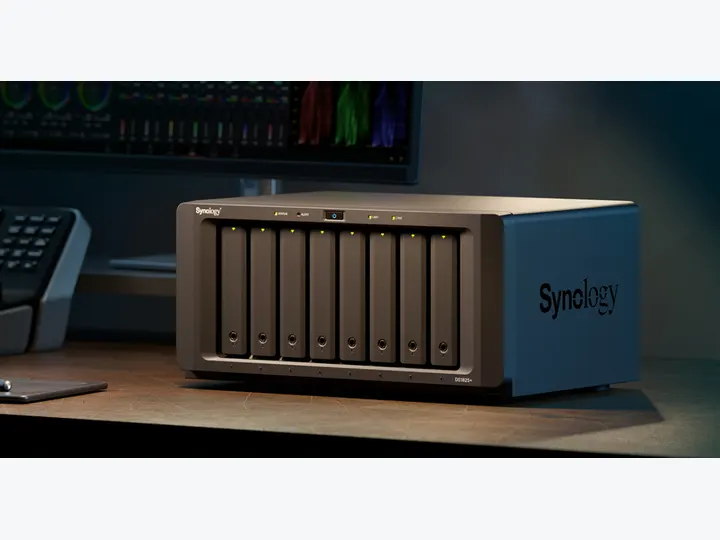
DS1825+ + 8 × 16TB
96TB approximate usable · SHR-2 / RAID 6-style dual-drive redundancy
$6,189.91$64.48/usable TB
An eight-bay, 96TB dual-parity desktop array fits large retention and backup sets while preserving familiar DSM operations.
Watch: Treat this as a high-capacity office appliance, not enterprise HA, immutable backup, or disaster recovery by itself.