Is a 2-bay NAS running RAID 1 a complete backup solution?
No. A mirror keeps a copy on each disk so the NAS can usually continue after one disk fails. Deletion, malware, theft, and enclosure failure can affect both copies. Keep versioned backups on a separate USB disk, another NAS, or a cloud destination, with at least one copy off-site. Test that you can restore a file before relying on the setup.
What is the best NAS for backing up multiple Mac (Time Machine) and Windows PCs?
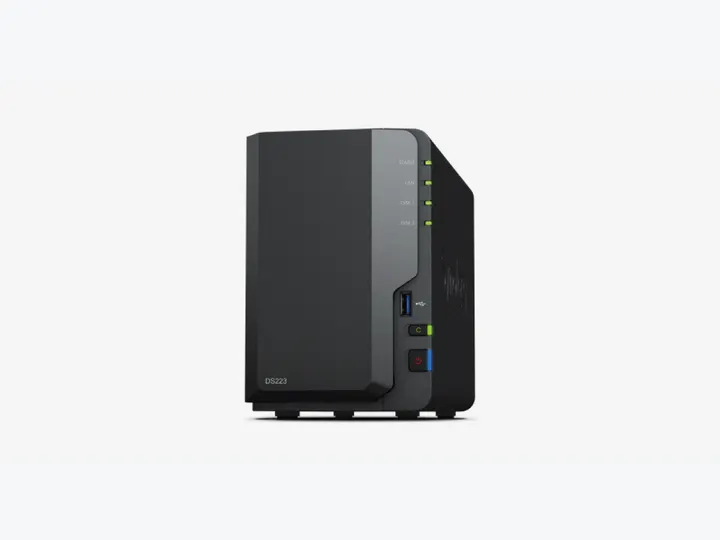
Our entry DS223 build fits ordinary file backup and Mac Time Machine when a 4TB mirror is enough. Choose the DS925+ when you need more capacity, spare bays, or supported business backup packages. Check each Windows backup application against the exact NAS model: Synology Drive file sync is different from a full computer image, and Active Backup for Business is not available on every DiskStation.
How much usable storage do I actually get from 2×4TB or 4×12TB drives?
Two 4TB disks in RAID 1 provide 4TB decimal capacity, equivalent to about 3.64TiB before system and filesystem overhead. Four 12TB disks in RAID 5 provide 36TB, about 32.74TiB before overhead. TB and TiB are different units; that conversion is not space lost to formatting. Leave room for backup versions, snapshots, and future growth.
Synology vs. UGREEN for beginner home backup: Which is easier?
Choose Synology when its integrated backup applications match your computers and you value a familiar administration workflow. UGREEN can offer more CPU and networking for the budget, but check application support and the recovery process before choosing on specifications alone. Both need updates, alerts, and restore tests; neither is maintenance-free.
How do I protect my NAS backup against ransomware and sudden power outages?
Use separate administrator and backup accounts, versioned backups, and an off-site or offline copy. Snapshots help recover older versions; immutable retention is a separate feature that must be supported by the exact model and configured correctly. A compatible UPS with tested automatic shutdown can reduce interruption risk. Neither snapshots nor a UPS guarantees recovery on its own.