What is the best budget NAS for 4K Plex transcoding in 2026?
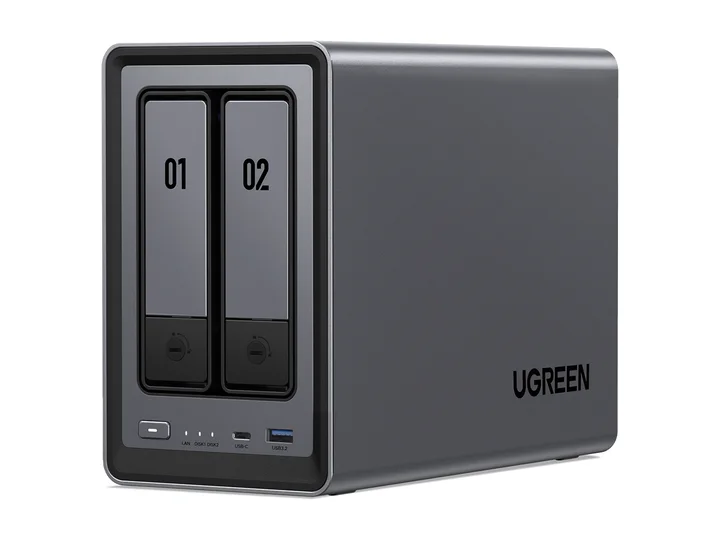
Our entry pick is the UGREEN DXP2800 with two 4TB CMR drives when a 4TB mirror covers your library. Its Intel N100 includes Quick Sync, but hardware conversion depends on Plex Pass, server setup, supported codecs, tone mapping, and subtitles. If your existing clients Direct Play successfully, spend on storage first. We have not measured a guaranteed number of simultaneous 4K transcodes for this build.
Should I run Plex directly on a single NAS or pair a NAS with an Intel Mini PC?
Choose one Intel NAS for simpler cabling and administration when its supported playback paths meet your needs. Consider a separate mini PC if you already own a suitable NAS, want to upgrade compute separately, or need workloads the NAS cannot handle. Include the mini PC, electricity, networking, and extra administration in the comparison; more boxes are not automatically better value.
Do I need a Plex Pass for hardware transcoding on Synology, QNAP, or UGREEN?
Plex hardware-accelerated streaming requires an active Plex Pass and a supported server platform. Direct Play does not require hardware transcoding. Before buying, check the current Plex support notes for your operating system, GPU, codec, HDR tone mapping, and subtitle path, then confirm the Plex dashboard shows hardware acceleration during a representative test.
Is a 2-bay NAS enough for a 4K Plex movie library?
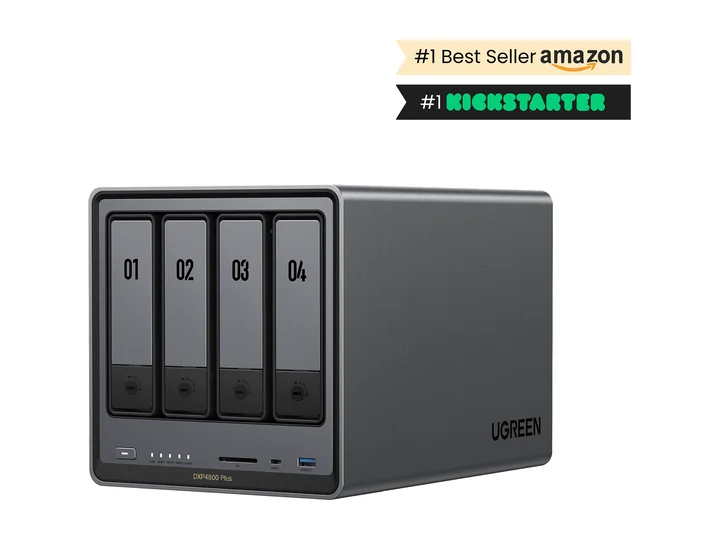
It can be. Two 8TB drives in RAID 1 provide 8TB decimal capacity before overhead and free-space reserves. Divide your planned library size by your own average file size, including future additions. Four bays become useful when you need more capacity or an open bay for supported expansion; compare the complete enclosure-and-drive total.
Can a NAS stream 4K Remux movies without transcoding (Direct Play)?
Yes, when the client supports the video, audio, container, and subtitles, and the network can carry the file’s peak bitrate. The NAS mostly reads and sends the file, so an expensive transcoding CPU may add little value. Wi-Fi, a slow TV network port, or remote upload bandwidth can still cause buffering. Test your most demanding files on the actual playback device.